Surplus food · nonprofits · one coordinated pickup

Turn surplus food into meals that matter

Mealize connects restaurants, grocers, and other food businesses with nonprofits—so edible surplus becomes community meals instead of landfill.

List surplus in minutes

Add a photo, quantity, and pickup window—so nonprofits know what is available while it is still safe to move.

Coordinate need in one place

Post requests, message businesses, and flag posts for your team—without losing context in email threads.

From match to confirmed pickup

Favorites, notifications, and reservations keep volunteers, managers, and drivers aligned through handoff.

Why Mealize

One platform for surplus handoffs

Mealize exists to move safe, edible surplus off loading docks and into community programs—before spoilage and paperwork get in the way.
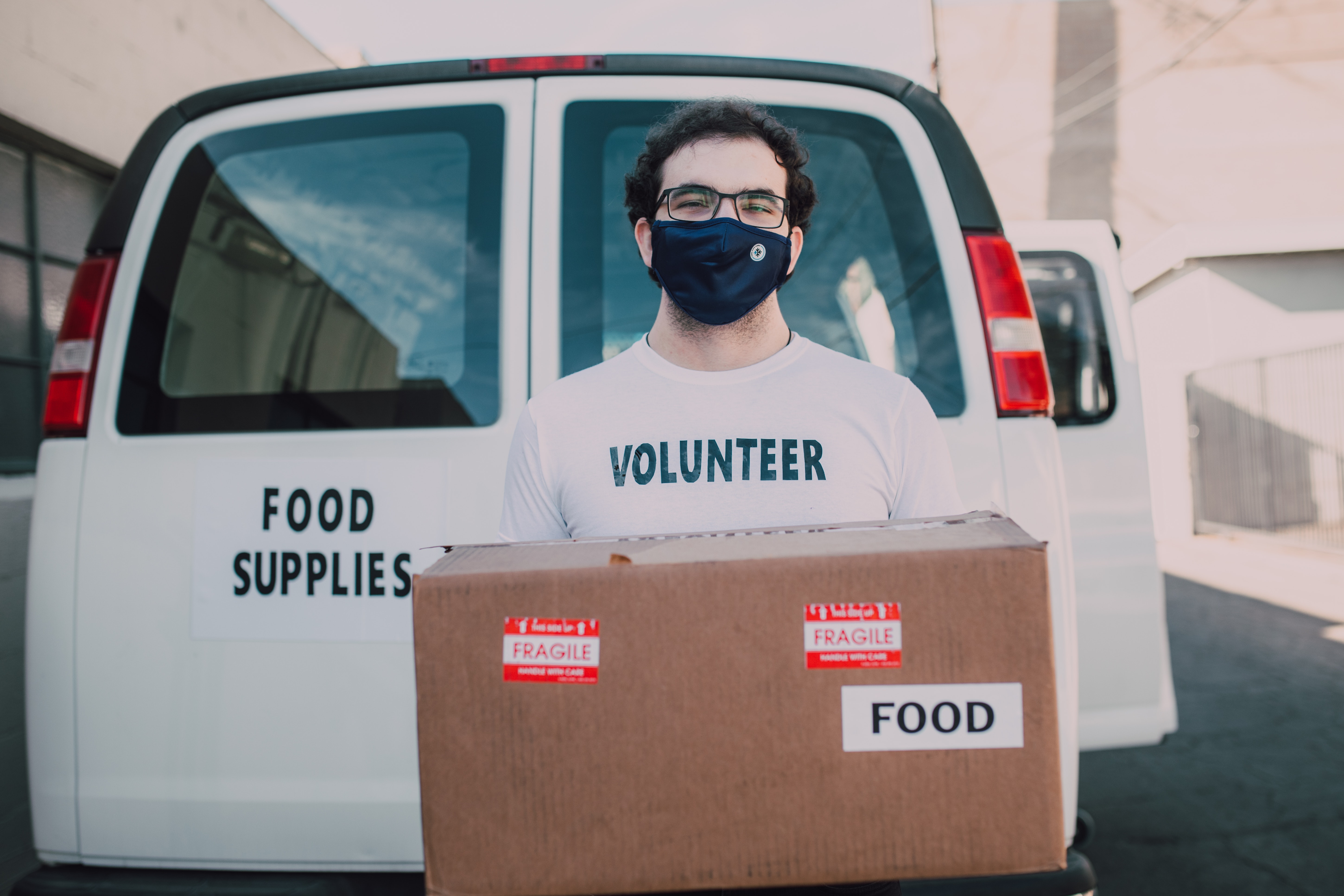
Volunteers coordinating food pickup

The challenge

Hunger and waste sit side by side

Even before recent shocks, millions of households were one emergency away from skipping meals. In 2019, about 10.5% of US households reported low or very low food security—while a staggering share of food never reaches a plate.

  • The Covid-19 period saw roughly 22 million jobs lost between February and April 2020 in the US alone—disrupting wages and supply chains when people could least afford it.
  • USDA estimates roughly 30–40% of the food supply goes uneaten—nutrition and labor thrown away alongside it.
  • Closing that gap means connecting surplus to nonprofits faster than it spoils—and doing it at community scale.

Food insecurity in the community

Approach

A shared workspace for both sides

Businesses and nonprofits meet in one feed—with messaging and pickup scheduling—so a match becomes a handoff you can repeat week after week.

Diagram of Mealize connecting businesses and nonprofits

Product tour

How Mealize works

Five steps from posting a need to a confirmed drop-off—the screenshots below follow the same path you will use in the app.

01

Nonprofits spell out what helps most

Managers publish structured requests—so businesses see exactly what would make a difference this week, not a vague wish list.
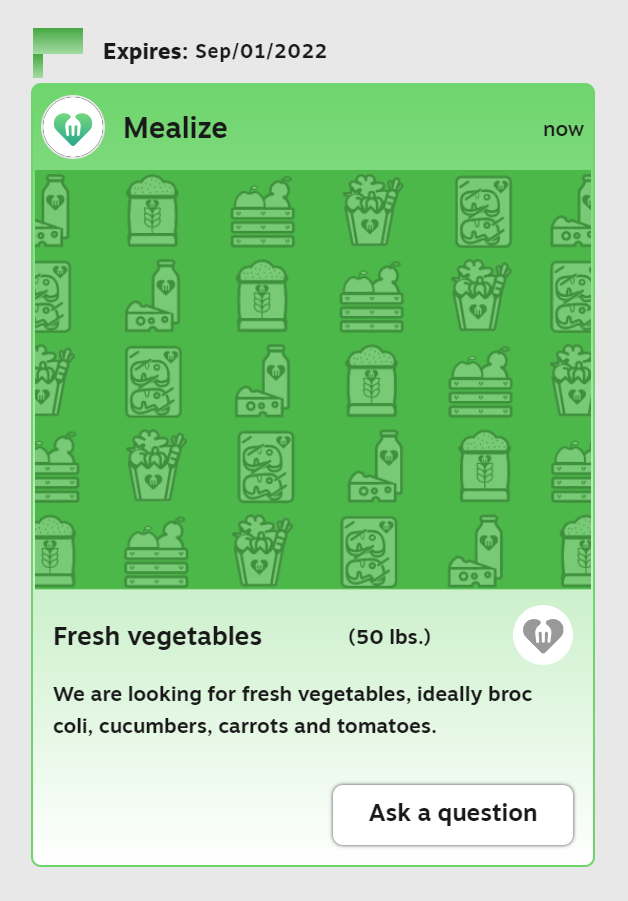
Posting a request in Mealize
02

Businesses publish surplus that fits the ask

Teams scan open requests, then post items with photos and details when they have a match—so donors lead with what is actually on hand.

Posting a surplus food item
03

Volunteers flag what matters to their site

Staff browse the feed, save strong fits, ask clarifying questions, or ping a manager—so the right person says yes before slots disappear.

Notifying a manager about a post
Manager message thread
04

Details, locations, and a formal pickup request

Open a post for hours and address, visit the organization profile for context, then send a pickup request—once it is submitted, that item is reserved for your flow so nobody double-books the run.

Single post detail view
Organization profile page
Pickup request form
05

Confirm, dispatch, and close the loop

When a business manager accepts the request, the pickup is confirmed and a driver can be assigned. The last mile is simple: return to the nonprofit with food that would have otherwise been discarded.

Pickup confirmation message

That handoff completes a Mealize delivery.

Onboarding

Ready to try Mealize?

Use Sign up or Log in in the top navigation, or tap the demo shortcuts on the authentication forms to explore without setting up a full profile first.

Mealize navigation bar with sign up
Sign up and log in buttons
Login and sign up forms

Platform

Capabilities & roadmap

What is shipping today versus what still needs infrastructure (maps, carriers, billing, or model governance).

Need / surplus feed & favorites

Live in web app

Structured posts, filters, and starred posts for managers and volunteers.

Rule-based match suggestions

Live in web app

Surfaces opposite-type listings in your state, with a wider pool when local inventory is thin.

Impact estimates on org profiles

Live in web app

Goodwill counts from deliveries and open posts until weigh-in data exists.

Exportable delivery log (CSV)

Live in web app

Download deliveries you can see for audits, grants, and internal ops.

Post-delivery feedback (1–5 + note)

Live in web app

Parties on a delivery can leave one rating each to close the loop.

Trust & food safety copy helpers

Live in web app

Checklist guidance and a donation acknowledgment template you can paste into email.

Verification badges (admin-set)

Beta / admin-gated

Nonprofit and commercial-kitchen flags on profiles when your team marks them verified.

Radius / route-aware discovery

Planned

Drive-time polygons and map clustering instead of state-level heuristics.

Recurring pickups & slot booking

Planned

Standing appointments and capacity reservations per window.

Partial fulfillment & split runs

Planned

Share one post across multiple nonprofits with quantity accounting.

SMS / email digests & broadcasts

Planned

Quiet-hours aware nudges and partner-wide announcements.

ICS feeds & outbound webhooks

Planned

Calendar subscriptions and Zapier-style event hooks.

Referrals & partner SLAs

Planned

Preferred partner lists with response-time expectations.

AI-assisted ranking

Planned

Embeddings + policy-safe reranking on top of explicit rules.

Docs

Mealize wiki

Full wiki pages now live on dedicated routes that follow the same URL pattern as the portfolio site (for example /work/mealize/wiki/database-diagram and /work/mealize/wiki/design-thinking), mirroring lukeyamasaki.com/work/mealize/wiki. Use the Docs tab in the navigation bar, or open a page below.

Notes

Blog & updates

Long-form build logs are not live yet—this space is reserved for release notes, partner stories, and behind-the-scenes engineering notes. Until then, use the GitHub repository for activity and the wiki for background.